 |
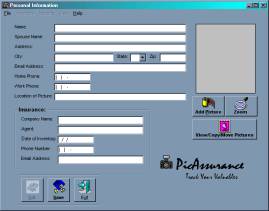
Personal screen allows you to enter your personal data and add a picture of your home. |
| |
|
| |
|
| |
|
| |
|
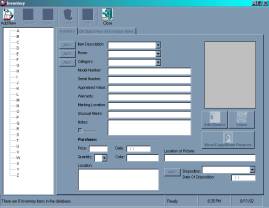 |
The Inventory screen allows you to track important information for all you inventory items. |
| |
|
| |
|
| |
|
| |
|
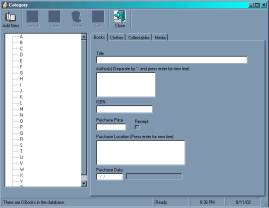 |
Category forms that allow you to enter your inventory for your Books, Clothes, Collectables, and Media. |
| |
|
| |
|
| |
|
| |
|
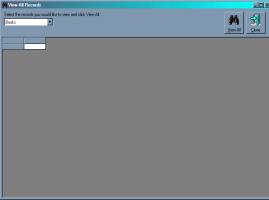 |
You can also view all your records with just a few clicks. |
| |
|
| |
|
| |
|
| |
|
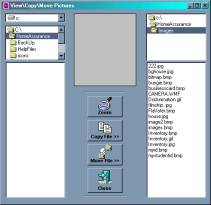 |
The Explorer that allows you to View\Copy\Move Pictures to different directories. |
| |
|
| |
|
| |
|
| |
|
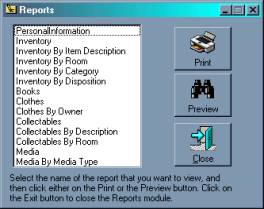 |
Reports dialog box allows you to select the report you would like to view or print. |
| |
|
| |
|
| |
|
| |
|
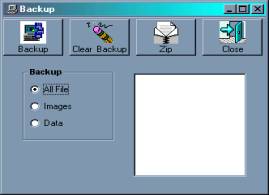 |
The Backup form allows you to backup your inventory to floppies or CD
Rom. |
| |
|
| |
|
| |
|
| |
|
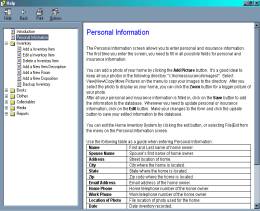 |
Online help provides you with information to help you complete your
inventory entry successfully. |








 For more information, please e-mail us at info@picassurance.com.
 Home|
Features|
Services|
Screen Shots|
Order|
Home|
Features|
Services|
Screen Shots|
Order|